Full Page Screenshot — Capture Entire Web Pages with One Click
The ultimate Chrome screenshot extension for flawless screen capture. Our tool perfectly captures the entire content of complex web pages, making it the best choice for market research, content collection, and issue reporting.
1,000+ users on the Chrome Web Store
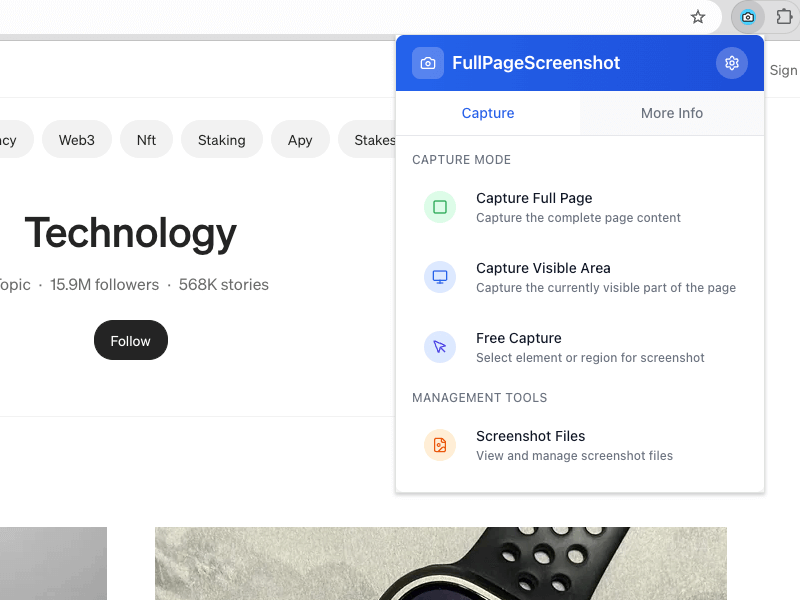
What is Full Page Screenshot
Full Page Screenshot is a leading Chrome screenshot extension, offering professional and intelligent web screen capture. It helps users capture complete web page content with one click, suitable for various scenarios.
Why Choose Full Page Screenshot
The most reliable solution designed for modern web screenshot needs.
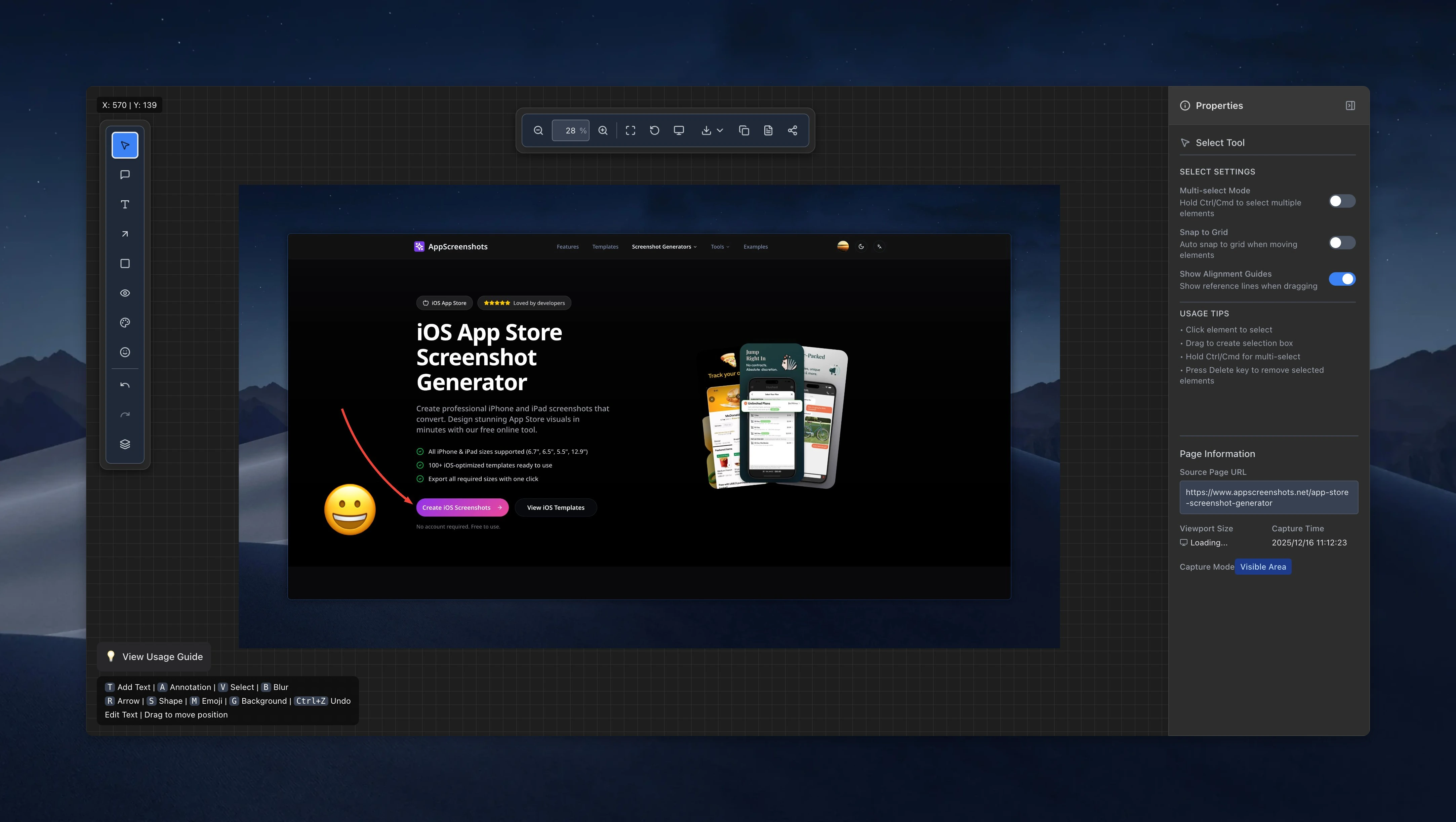

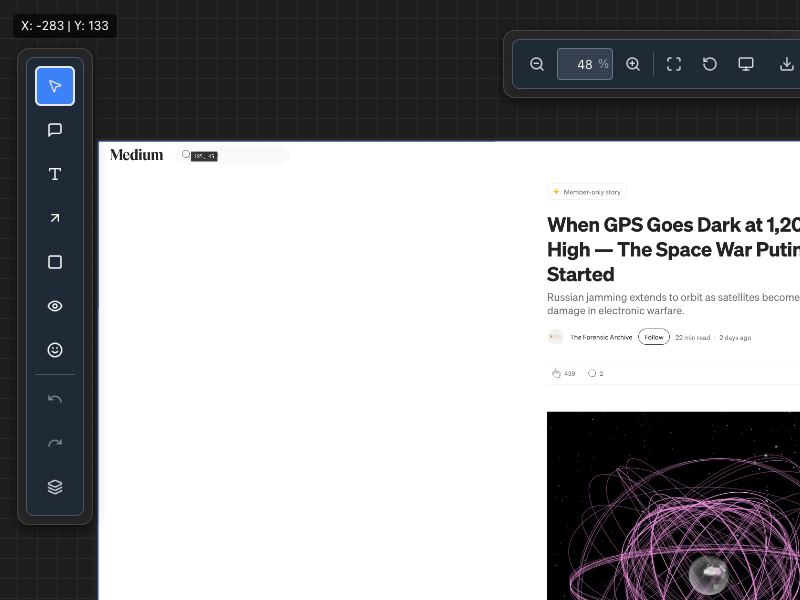
How to Use Full Page Screenshot
Start efficient screenshoting in just four simple steps:
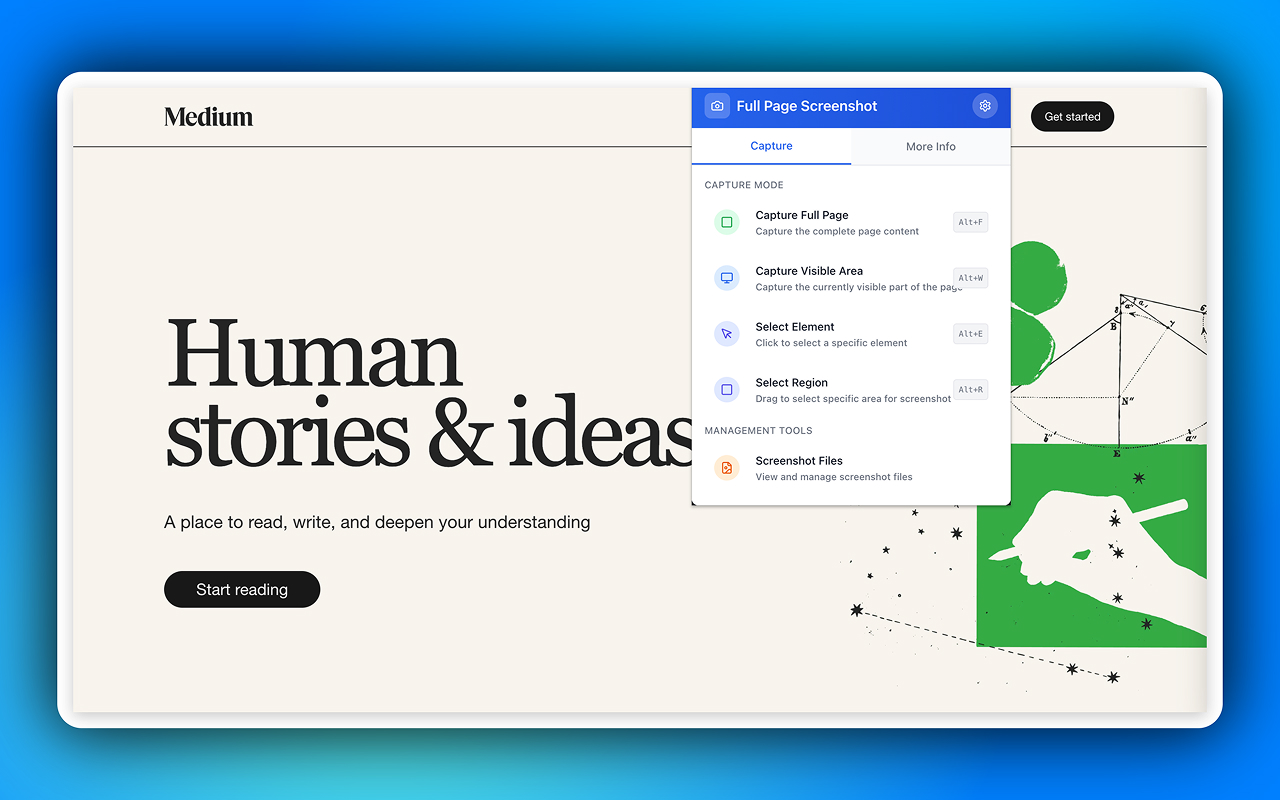
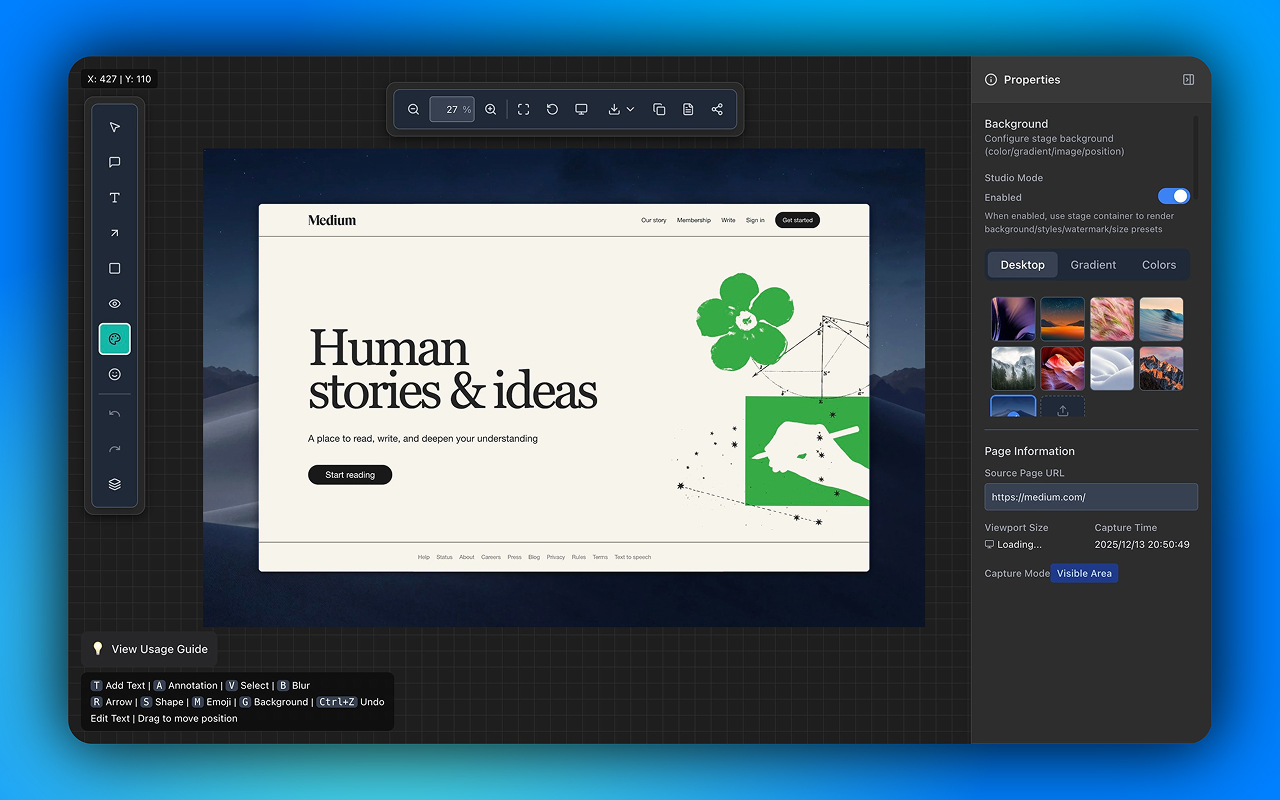
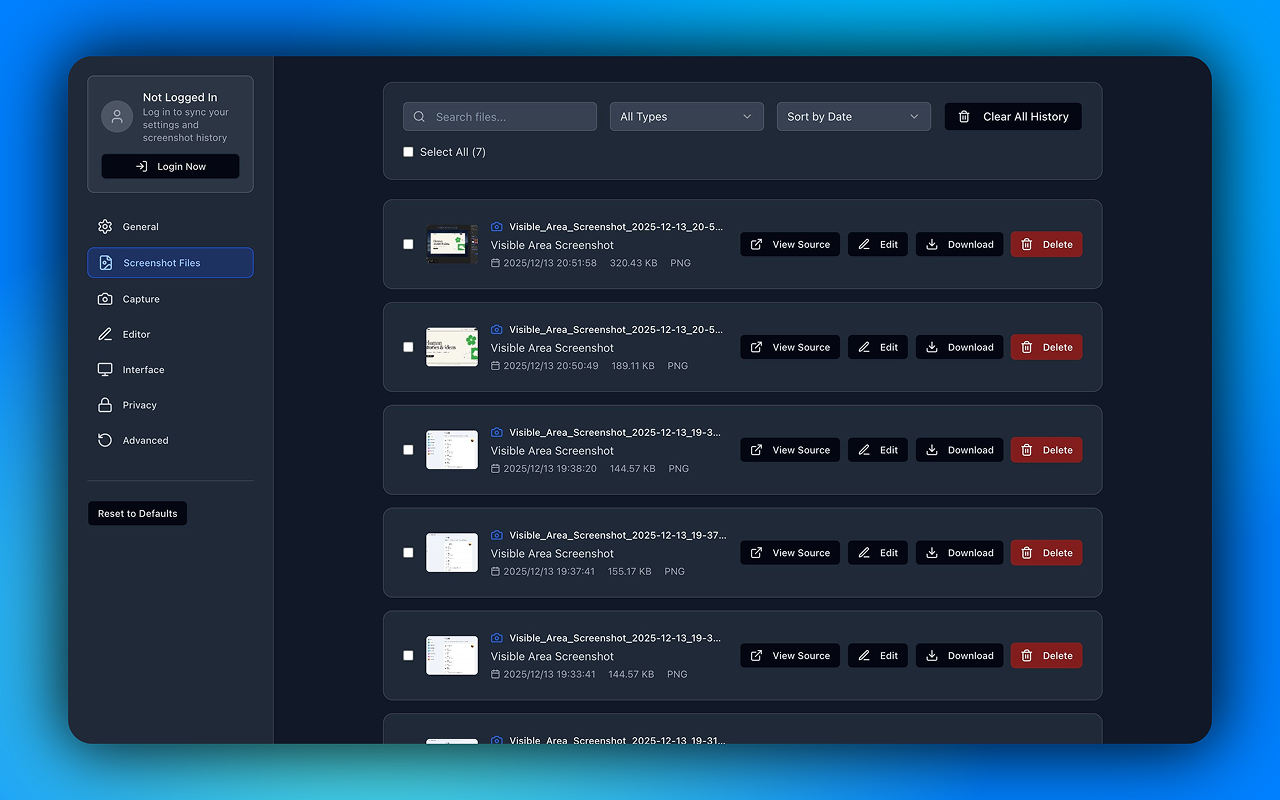
Full Page Screenshot Core Features
Professional screenshot tool designed for modern web screenshot needs.
Facts you can check at the source
These product details are linked to first-party documentation and official distribution listings. We review this page whenever the product or listing changes.
Frequently Asked Questions About Full Page Screenshot
What is Full Page Screenshot and how does it work?
Full Page Screenshot is a professional smart web screenshot tool. It uses an advanced capture engine to reliably screenshot complete content of modern complex web pages, including dynamically loaded content and fixed positioned elements.
Which browsers does it support?
Official store builds are available for Google Chrome and Microsoft Edge.
How does it handle dynamically loaded content?
Our intelligent capture engine automatically detects and waits for dynamic content to finish loading, including infinite scrolling, lazy-loaded images, and AJAX requests, ensuring complete page content is captured.
Is screenshot data uploaded to servers?
No. Full Page Screenshot follows a privacy-first design where all image processing is done locally. Your screenshots and browsing data are never transmitted to any remote servers.
How does the element selection feature work?
Similar to the browser developer tools' inspect element feature. After activating element selection mode, hovering over page elements highlights them, and clicking captures that element and its content precisely.
Start Using Professional Screenshot Tool Now
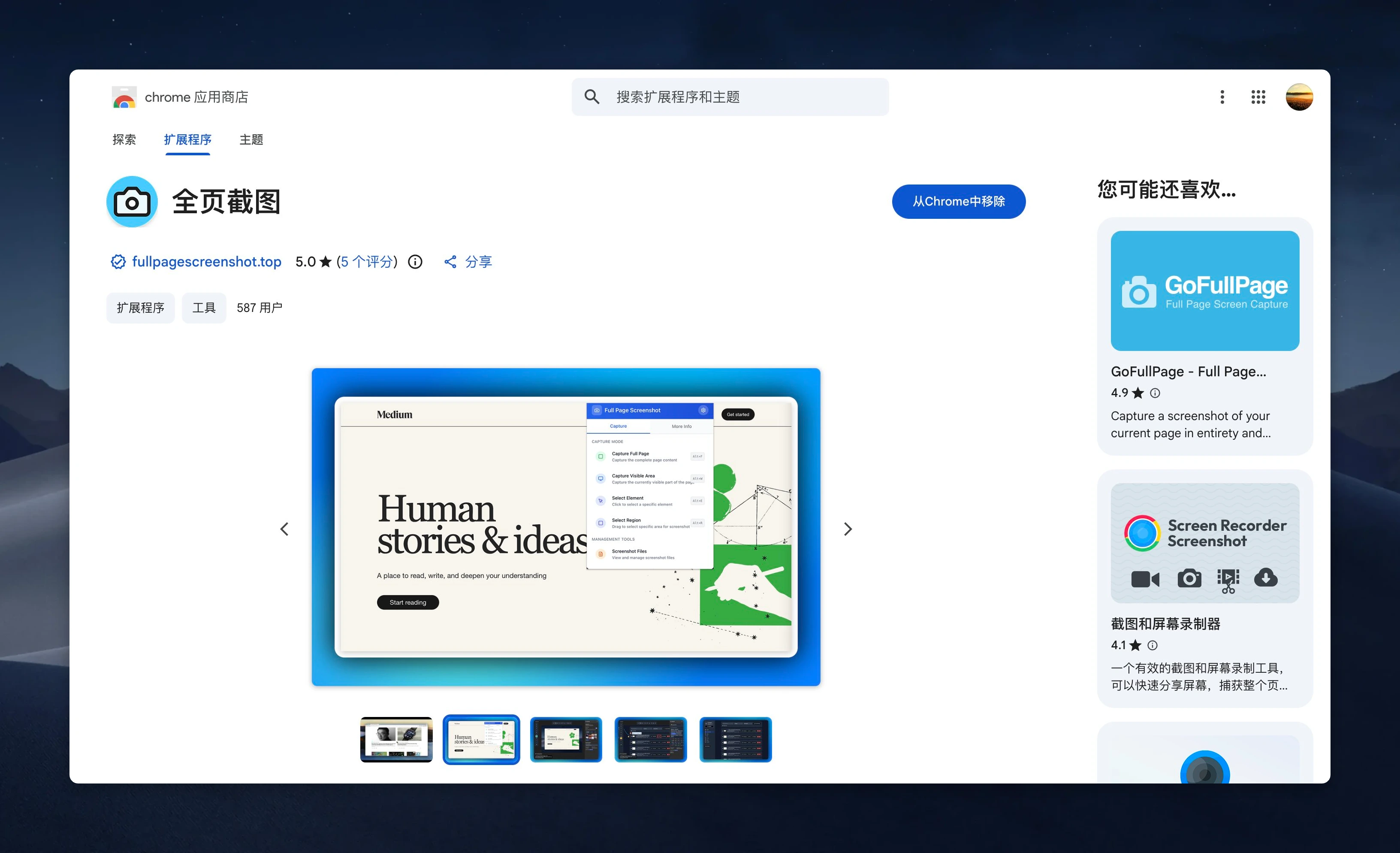
Download Full Page Screenshot and boost your workflow efficiency.